Insights · cybersecurity
Malware Protection: Essential Security Tips
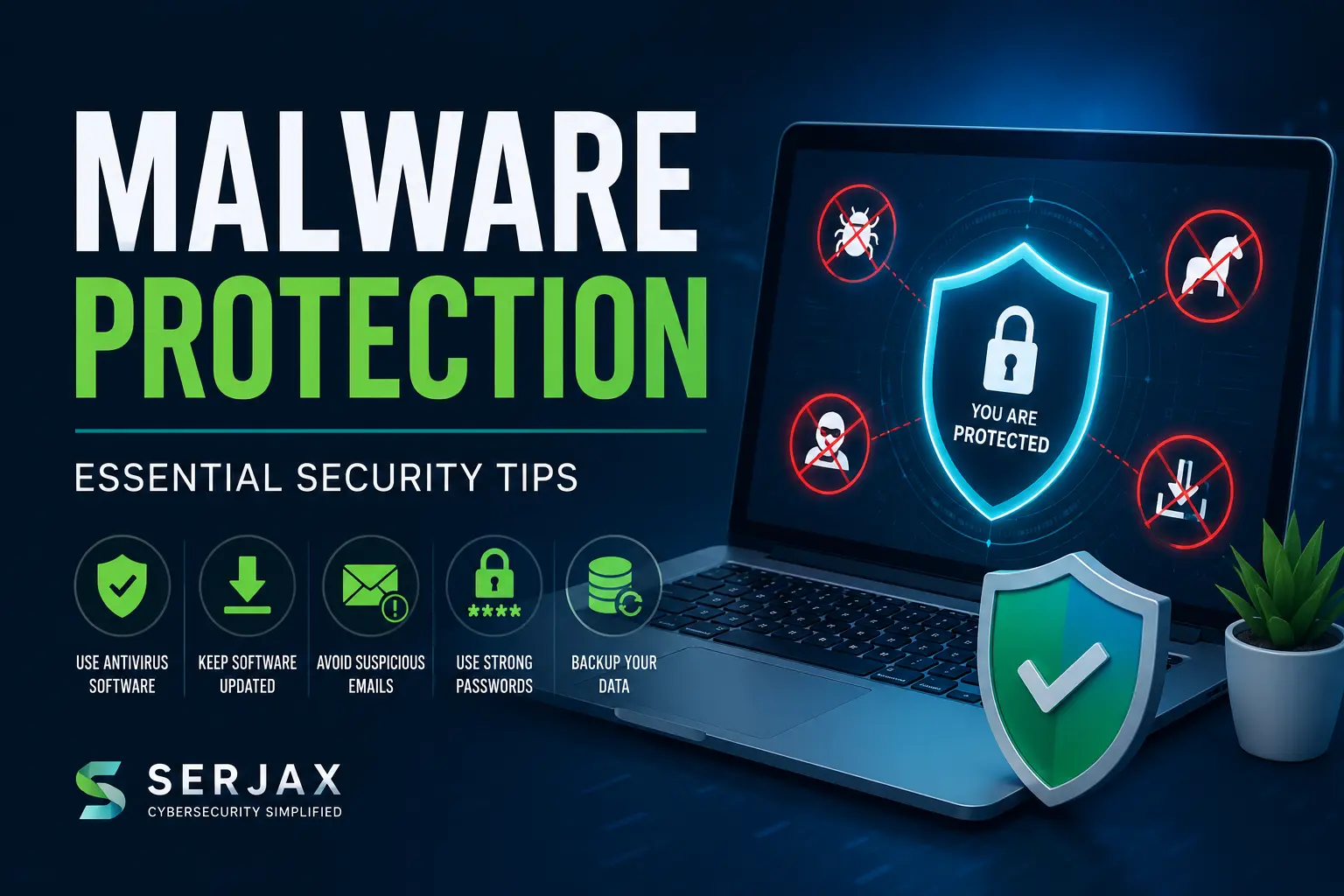
In today’s digital world, cyber threats are growing rapidly. Therefore, understanding effective malware protection tips is essential for individuals, businesses, and organizations that want to secure their sensitive information. Whether you use a smartphone, laptop, or business network, malware attacks can compromise your data, slow down your devices, and even lead to financial loss.
Fortunately, with the right cybersecurity practices, you can reduce risks significantly. In this guide, we will explore practical malware prevention strategies, common attack methods, and expert security recommendations to help you stay protected online.
What Is Malware?
Malware is malicious software designed to damage, disrupt, or gain unauthorized access to systems and networks. Cybercriminals use malware to steal data, monitor activity, encrypt files, or take control of devices.
Common types of malware include:
- Viruses
- Ransomware
- Spyware
- Trojans
- Worms
- Adware
- Keyloggers
Because malware attacks are becoming more advanced, users must adopt proactive cybersecurity habits instead of relying only on antivirus software.
Why Malware Protection Matters
Cyberattacks affect millions of users every year. Moreover, both personal users and businesses are vulnerable to data breaches, identity theft, and system damage.
Here are some major consequences of malware infections:
| Threat | Impact |
|---|---|
| Data Theft | Sensitive information gets stolen |
| Financial Loss | Hackers may access banking details |
| Device Damage | Systems become slow or corrupted |
| Privacy Risks | Personal activities may be monitored |
| Business Downtime | Operations can stop completely |
As a result, implementing strong malware protection tips is no longer optional — it is a necessity.
Essential Malware Protection Tips
Keep Your Software Updated
One of the most effective ways to prevent malware infections is to keep your operating system and applications updated regularly.
Software updates often include:
- Security patches
- Vulnerability fixes
- Improved malware defenses
Without updates, hackers can exploit outdated software vulnerabilities easily.
Best Practices for Updates
Enable Automatic Updates
Automatic updates help ensure your system always receives the latest security improvements.
Update Third-Party Applications
Many users forget browsers, plugins, and office software. However, outdated third-party applications are common malware entry points.
Remove Unsupported Software
Old programs that no longer receive security updates should be removed immediately.
Use Reliable Antivirus Software
Antivirus software acts as the first line of defense against malicious threats. However, not all antivirus solutions provide the same level of protection.
When choosing security software, look for:
- Real-time threat detection
- Ransomware protection
- Web security tools
- Email scanning
- Automatic malware removal
In addition, regularly scanning your system helps identify suspicious files before they cause serious damage.
Why Antivirus Alone Is Not Enough
Although antivirus tools are important, they cannot stop every cyberattack. Therefore, users should combine antivirus software with smart cybersecurity habits.
Avoid Suspicious Emails and Links
Phishing emails remain one of the biggest malware distribution methods. Cybercriminals often trick users into clicking harmful links or downloading infected attachments.
Warning Signs of Malicious Emails
- Unknown senders
- Urgent or threatening language
- Fake invoices or payment requests
- Spelling and grammar mistakes
- Suspicious attachments
Before clicking any link, verify the sender carefully. Moreover, avoid downloading files from untrusted sources.
Create Strong Passwords
Weak passwords make it easier for hackers to access accounts and spread malware across devices.
Password Security Tips
Use Complex Passwords
Strong passwords should contain:
- Uppercase letters
- Lowercase letters
- Numbers
- Special characters
Avoid Password Reuse
Using the same password across multiple accounts increases security risks significantly.
Enable Multi-Factor Authentication (MFA)
MFA adds an additional verification step, making unauthorized access more difficult.
Backup Your Data Regularly
Ransomware attacks can encrypt your files and demand payment for recovery. Therefore, regular backups are essential.
Recommended Backup Methods
| Backup Type | Benefit |
|---|---|
| Cloud Backup | Remote protection |
| External Hard Drive | Offline storage |
| Hybrid Backup | Maximum redundancy |
Furthermore, storing backups offline reduces ransomware exposure.
Secure Your Wi-Fi Network
Unsecured Wi-Fi networks provide easy access for cybercriminals. Consequently, securing your internet connection is critical.
Wi-Fi Security Measures
Change Default Router Passwords
Default credentials are commonly targeted by hackers.
Use WPA3 Encryption
Modern encryption standards improve wireless security significantly.
Hide Your Network SSID
Although not foolproof, hiding your network adds an extra security layer.
Download Software from Trusted Sources
Free downloads from unknown websites often contain hidden malware. Therefore, always use official platforms and trusted providers.
Avoid:
- Pirated software
- Cracked applications
- Fake software updates
Instead, verify download sources carefully before installation.
Be Careful with USB Devices
Infected USB drives can spread malware instantly once connected to a computer.
Safe USB Practices
- Scan devices before opening files
- Disable autorun features
- Avoid unknown USB devices
Businesses especially should educate employees about removable media risks.
Use a Firewall for Extra Protection
A firewall monitors incoming and outgoing network traffic. As a result, it helps block unauthorized access attempts.
Benefits of Firewalls
- Prevent suspicious connections
- Detect unusual traffic
- Reduce malware communication with hackers
Both hardware and software firewalls provide valuable protection layers.
Advanced Malware Protection Tips for Businesses

Businesses face more sophisticated cyber threats than individual users. Therefore, advanced cybersecurity measures are necessary.
Employee Cybersecurity Training
Human error remains one of the leading causes of malware infections. Consequently, employee awareness training is critical.
Training should include:
- Phishing identification
- Password security
- Safe browsing habits
- Data handling procedures
Network Monitoring and Threat Detection
Businesses should monitor network activity continuously to identify unusual behavior early.
Advanced monitoring solutions can:
- Detect suspicious traffic
- Block malware communication
- Prevent data breaches
Endpoint Protection Solutions
Modern businesses use multiple devices including laptops, smartphones, and remote systems. Therefore, endpoint protection platforms are highly recommended.
Features often include:
- Centralized security management
- Device monitoring
- Malware isolation
- Automated threat response
Common Malware Myths
“Mac Devices Cannot Get Malware”
Although Macs are generally secure, they are not immune to malware attacks.
“Antivirus Software Guarantees Complete Protection”
No security solution offers 100% protection. Instead, cybersecurity requires multiple protection layers.
“Only Large Companies Are Targeted”
Small businesses and individual users are also frequent malware targets because they often have weaker security systems.
Signs Your Device May Be Infected
Recognizing malware symptoms early can reduce damage significantly.
Common Warning Signs
- Slow device performance
- Frequent pop-ups
- Unusual crashes
- Unknown software installations
- High internet usage
- Browser redirects
If you notice these issues, run a security scan immediately.
How Serjax Helps Improve Cybersecurity

Choosing the right cybersecurity partner is essential for effective protection. Serjax provides advanced cybersecurity solutions designed to protect businesses and individuals from evolving cyber threats.
Why Choose Serjax?
- Advanced malware protection systems
- Network security monitoring
- Threat detection solutions
- Security consultation services
- Business cybersecurity support
Moreover, Serjax focuses on proactive protection strategies that help reduce risks before attacks occur.
Future of Malware Protection
Cybersecurity threats continue evolving every year. Therefore, future malware protection strategies will increasingly rely on:
- Artificial Intelligence (AI)
- Machine learning threat detection
- Zero-trust security frameworks
- Cloud-based security solutions
As cybercriminals become more sophisticated, staying informed about modern cybersecurity trends becomes even more important.
Final Thoughts
Protecting your devices and data requires consistent cybersecurity practices. By following these essential malware protection tips, you can significantly reduce the risk of cyberattacks, data theft, and system compromise.
From keeping software updated to using firewalls and strong passwords, every security step matters. Furthermore, combining smart online behavior with advanced protection tools creates a much stronger defense against malware threats.
Whether you are an individual user or a business owner, investing in cybersecurity today can prevent costly problems in the future.
FAQ’s
What is the best way to protect against malware?
The best approach combines antivirus software, regular updates, strong passwords, and safe browsing habits.
Can malware steal personal information?
Yes, malware can steal passwords, banking details, personal files, and sensitive business information.
How often should I scan my computer for malware?
You should run security scans regularly, ideally weekly, while keeping real-time protection enabled.
Is free antivirus software enough?
Free antivirus software provides basic protection. However, premium solutions often include advanced security features like ransomware protection and network monitoring.
Can smartphones get malware?
Yes, smartphones can become infected through malicious apps, unsafe downloads, or phishing attacks.
What should I do if my device gets infected?
Disconnect from the internet, run a full malware scan, remove suspicious programs, and restore files from backups if necessary.
Why are malware attacks increasing?
Cybercriminals continue developing advanced attack methods because digital systems and online activities are expanding rapidly worldwide.
More from Serjax: cyber security services · top cybersecurity solutions for 2026 · IT compliance in Ireland