Insights · cybersecurity
Top 10 Cybersecurity Tips to Protect Your Data
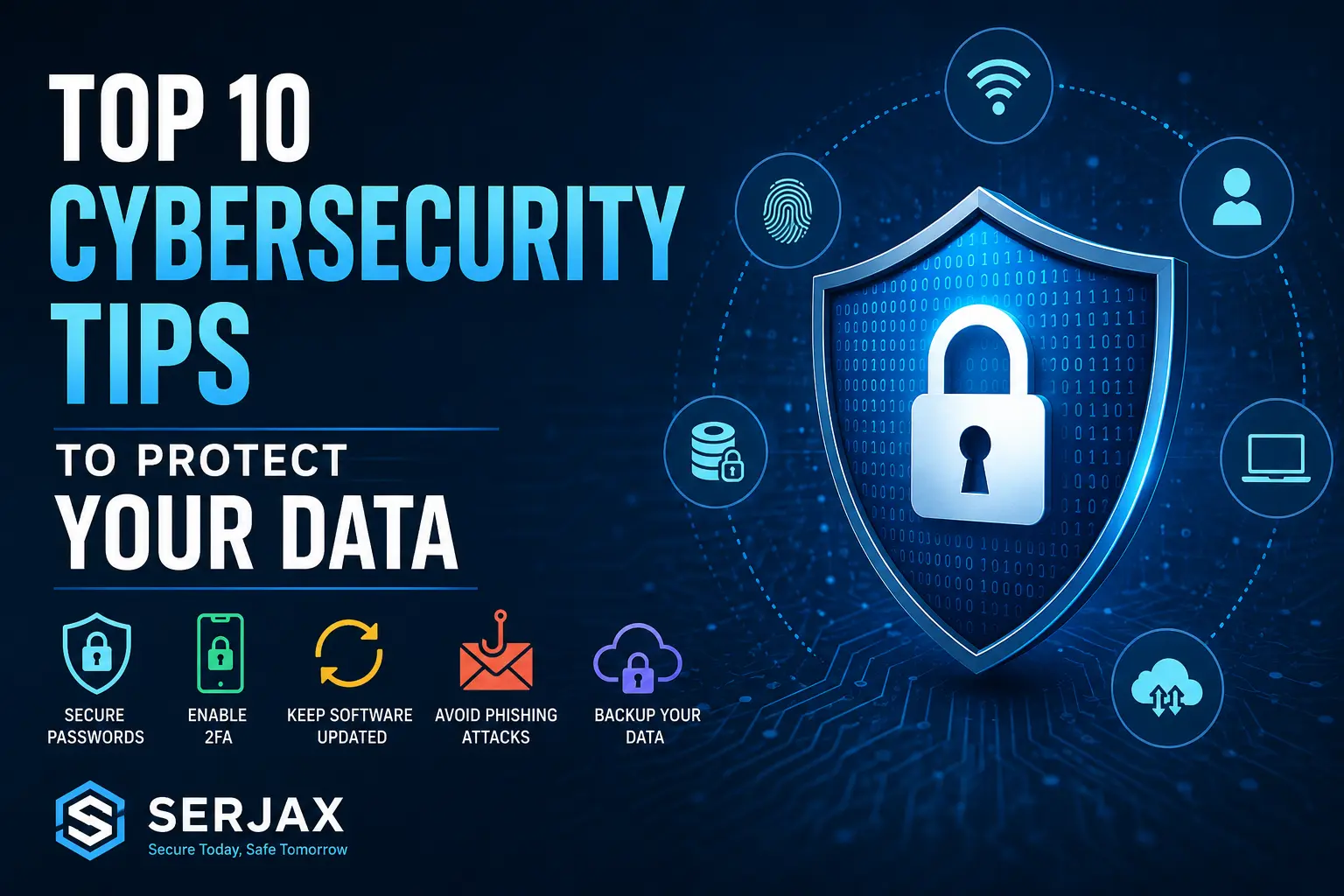
In today’s connected world, following the right cybersecurity tips for data protection is more important than ever. Every day, millions of people use online banking, cloud storage, ecommerce platforms, and social media accounts. However, cybercriminals constantly look for new ways to steal personal and business information. Therefore, understanding how to secure your digital life can help prevent serious financial and privacy risks.
Whether you are a student, business owner, freelancer, or remote worker, strong cybersecurity habits are essential. Moreover, as cyber threats continue evolving in 2026, users who ignore online safety practices become easy targets for hackers.
Fortunately, by following simple but effective security strategies, you can protect your accounts, devices, and sensitive information from cyber attacks.
At Serjax, digital security and smart technology solutions are designed to help users stay protected in an increasingly dangerous online environment.
This guide explains the top cybersecurity practices you should follow to improve online safety and protect your valuable data.
Why Cybersecurity Is Important in 2026
Cybersecurity is no longer only for large companies or government organizations. In fact, small businesses and everyday internet users are frequently targeted by cybercriminals.
Today, online threats include:
- Phishing scams
- Identity theft
- Malware infections
- Ransomware attacks
- Data breaches
- Social engineering scams
- Financial fraud
Additionally, because more people work remotely and store data online, cyber risks have increased significantly. As a result, protecting your digital information should become a daily habit.
Top 10 Cybersecurity Tips for Data Protection

Use Strong and Unique Passwords
One of the most effective cybersecurity tips for data security is using strong passwords.
Unfortunately, weak passwords remain one of the biggest causes of hacked accounts. Therefore, users should avoid common passwords such as:
- 123456
- password
- qwerty
- admin123
Instead, create passwords that include:
- Uppercase letters
- Lowercase letters
- Numbers
- Special characters
- At least 12 characters
Example of a Strong Password
| Weak Password | Strong Password |
|---|---|
| john123 | J0hn!2026#Secure |
Furthermore, never use the same password for multiple accounts because a single breach can expose all your profiles.
Best Practice
Use a password manager to safely store and generate secure passwords.
Enable Two-Factor Authentication (2FA)
Even strong passwords can be stolen. Therefore, enabling two-factor authentication adds another security layer.
With 2FA enabled, users must verify their identity using:
- SMS verification codes
- Authentication apps
- Fingerprints
- Security keys
As a result, hackers cannot easily access accounts even if passwords are compromised.
Platforms That Support 2FA
| Platform | 2FA Available |
|---|---|
| Gmail | Yes |
| Yes | |
| Yes | |
| PayPal | Yes |
| Microsoft | Yes |
Moreover, authentication apps are usually safer than SMS verification.
Keep Software and Devices Updated
Software updates are not only about new features. In fact, updates often fix major security vulnerabilities.
Cybercriminals regularly exploit outdated software because older systems contain known weaknesses. Therefore, keeping devices updated is essential.
Always Update:
- Smartphones
- Laptops
- Browsers
- Antivirus software
- Operating systems
- Mobile apps
Additionally, enabling automatic updates can help reduce security risks significantly.
Avoid Suspicious Emails and Links
Phishing attacks remain one of the most common online threats in 2026.
Hackers often send fake emails pretending to be trusted companies. Consequently, users may unknowingly reveal passwords or financial information.
Warning Signs of Phishing Emails
- Urgent language
- Unknown senders
- Suspicious attachments
- Fake login pages
- Spelling mistakes
Example
A fake email may say:
“Your bank account will be locked immediately. Click here to verify.”
However, legitimate companies rarely ask for sensitive information through email links.
Therefore, always verify links before clicking.
Use Reliable Antivirus and Security Software
Good antivirus software can detect and block:
- Malware
- Spyware
- Trojans
- Ransomware
- Harmful downloads
Moreover, modern cybersecurity tools provide real-time monitoring and advanced threat detection.
Features to Look For
| Feature | Importance |
|---|---|
| Real-time protection | High |
| Firewall | High |
| Anti-phishing tools | High |
| Automatic updates | Essential |
| VPN integration | Helpful |
Although free antivirus software offers basic protection, premium solutions usually provide stronger security features.
Secure Your Wi-Fi Network
An unsecured Wi-Fi network can expose your devices to hackers.
Therefore, protecting your internet connection is one of the smartest cybersecurity tips for data protection.
Wi-Fi Security Best Practices
- Change default router passwords
- Use WPA3 encryption
- Hide your network if possible
- Avoid public Wi-Fi for banking
- Restart your router regularly
Additionally, using a VPN while connected to public Wi-Fi can help protect sensitive information.
Backup Your Important Data Regularly
Data loss can happen because of:
- Hardware failure
- Malware attacks
- Accidental deletion
- Ransomware
- Theft
Therefore, regular backups are essential.
Recommended Backup Methods
Cloud Backup
Cloud services automatically store files online.
Examples include:
- Google Drive
- Dropbox
- OneDrive
External Storage
You can also use:
- External hard drives
- USB storage devices
- NAS systems
Ideally, follow the 3-2-1 backup rule:
- 3 copies of data
- 2 different storage methods
- 1 offsite backup
Limit Personal Information Shared Online
Oversharing on social media increases cyber risks.
Hackers often collect personal details from public profiles to perform identity theft or targeted scams.
Avoid Sharing:
- Home addresses
- Phone numbers
- Financial details
- Travel plans
- Password hints
Furthermore, review your social media privacy settings regularly.
Use Secure Websites and HTTPS Connections
Before entering personal information online, always check if the website uses HTTPS encryption.
Secure websites protect data transferred between your browser and the server.
How to Identify Secure Websites
| Secure Website | Unsafe Website |
|---|---|
| https://example.com | http://example.com |
Additionally, look for the padlock icon in the browser address bar.
However, remember that HTTPS alone does not guarantee a website is trustworthy. Therefore, users should still verify website legitimacy.
Educate Yourself About Cyber Threats
Cybersecurity is constantly changing. Therefore, staying informed is one of the best long-term strategies.
Users who understand modern cyber threats can identify scams more easily and avoid risky behavior online.
Important Topics to Learn
- Phishing scams
- AI-generated fraud
- Password security
- Safe browsing habits
- Cryptocurrency scams
- Ransomware prevention
Moreover, businesses should provide cybersecurity awareness training to employees regularly.
Why Choose Serjax for Cybersecurity Solutions

Choosing the right technology partner is essential for digital protection. At Serjax, users and businesses can access modern cybersecurity solutions designed to improve online safety and reduce digital risks.
Benefits of Choosing Serjax
Advanced Security Solutions
Serjax focuses on modern digital protection strategies that help secure sensitive information from evolving cyber threats.
Reliable Technical Support
Fast and professional support helps users respond quickly to cybersecurity issues.
User-Focused Approach
Additionally, Serjax prioritizes practical and easy-to-understand security solutions for individuals and businesses.
Modern Technology Expertise
Because cyber threats continue evolving, Serjax stays updated with the latest cybersecurity trends and technologies.
Common Cybersecurity Mistakes to Avoid
Even careful users sometimes make dangerous mistakes online.
Avoid These Security Errors
- Reusing passwords
- Ignoring software updates
- Clicking unknown links
- Using unsecured Wi-Fi
- Downloading pirated software
- Disabling antivirus tools
Furthermore, small mistakes can often lead to major security breaches.
Future of Cybersecurity in 2026 and Beyond
Cybersecurity technologies continue evolving rapidly.
In the coming years, we will likely see:
- AI-powered security systems
- Biometric authentication
- Zero-trust security models
- Advanced ransomware protection
- Smarter fraud detection systems
As a result, businesses and individuals must continue adapting to new digital threats.
Conclusion
Following the right cybersecurity tips for data protection can significantly reduce online risks and improve digital safety. Although cyber threats continue evolving in 2026, users who practice smart online habits are far less likely to become victims of cybercrime.
From strong passwords and secure Wi-Fi to data backups and phishing awareness, every small security step matters. Moreover, staying informed about modern cybersecurity trends can help protect both personal and business information over the long term.
At Serjax, modern cybersecurity solutions are designed to help users stay secure in today’s rapidly changing digital world.
FAQ’s
What are the best cybersecurity tips for data protection?
The best practices include using strong passwords, enabling two-factor authentication, updating software regularly, avoiding phishing scams, and backing up important files.
Why is cybersecurity important in 2026?
Cyber attacks are becoming more advanced every year. Therefore, cybersecurity helps protect personal, financial, and business data from online threats.
How often should passwords be changed?
Experts recommend changing passwords every few months, especially for sensitive accounts such as banking and email services.
Is public Wi-Fi safe to use?
Public Wi-Fi can be risky because hackers may intercept your connection. Therefore, using a VPN is strongly recommended.
What is the biggest cybersecurity threat today?
Phishing attacks and ransomware remain among the most dangerous cybersecurity threats in 2026.
How can businesses improve cybersecurity?
Businesses should train employees, use strong security software, enable 2FA, back up data regularly, and monitor networks continuously.
Does antivirus software fully protect devices?
No. Antivirus software helps reduce risks, but users must also follow safe online practices and stay alert to cyber threats.
What should I do if my data is hacked?
Immediately change passwords, enable 2FA, contact relevant services, scan devices for malware, and monitor financial accounts for suspicious activity.
More from Serjax: cyber security services · top cybersecurity solutions for 2026 · IT compliance in Ireland