Insights · Technology
Server Solutions Explained: Cloud vs On-Premise for Growing Businesses
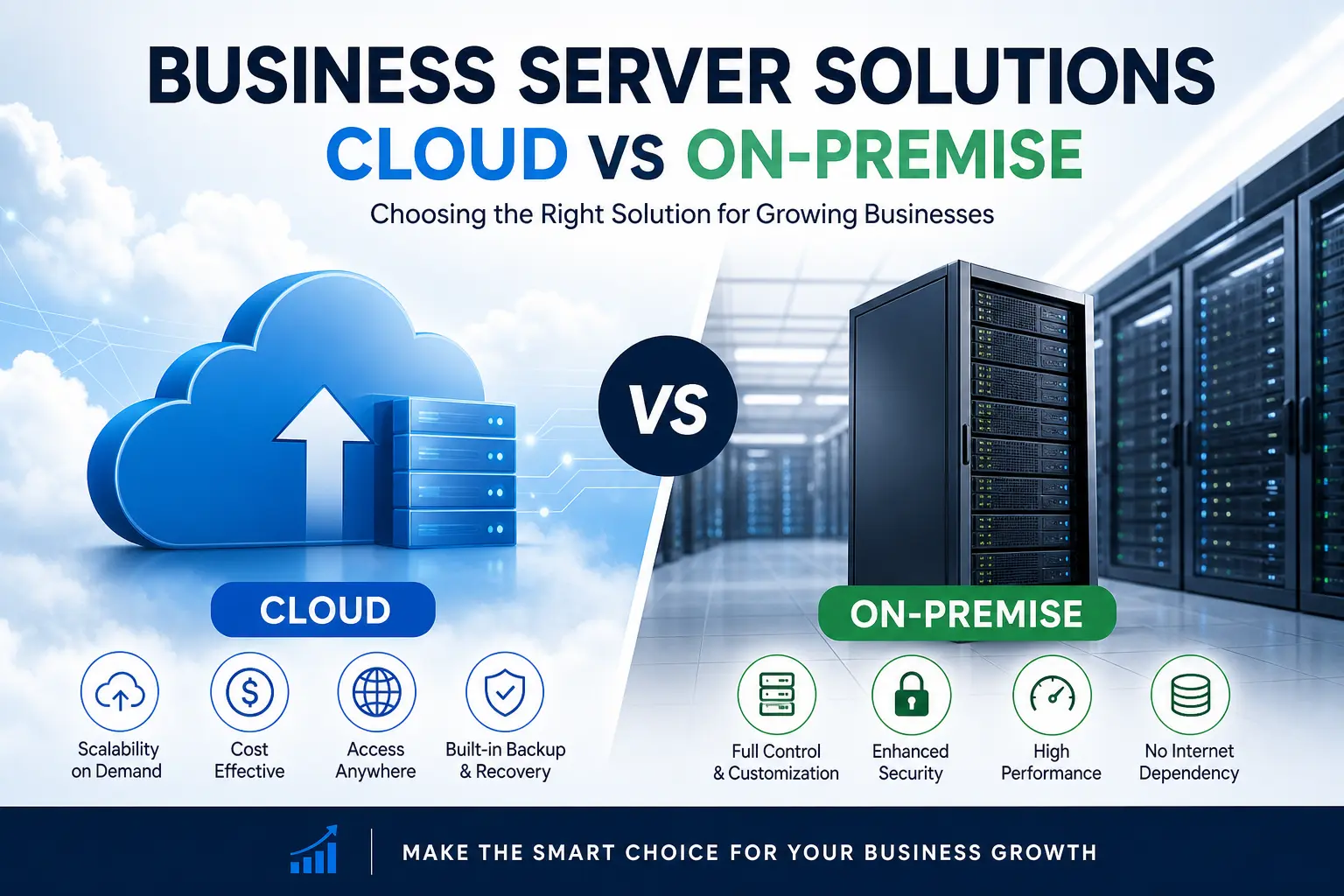
As businesses grow, their IT infrastructure needs evolve rapidly. Choosing the right server solution becomes critical—not just for performance, but also for scalability, security, and cost efficiency. Two primary options dominate the landscape: cloud servers and on-premise servers.
In this guide, we’ll break down both options in detail, compare their pros and cons, and help you decide which solution fits your business best.
We’ll also explore how Serjax can support your journey toward smarter server infrastructure.
What Are Server Solutions?
A server solution refers to how a business stores, manages, and processes its data and applications. Essentially, servers act as the backbone of your IT operations.
There are two main types:
- Cloud-based servers (hosted remotely)
- On-premise servers (physically located within your organization)
While both serve the same purpose, their implementation, cost, and management differ significantly.
Cloud Servers: An Overview
Cloud servers are hosted on remote data centers and accessed via the internet. Providers handle infrastructure, maintenance, and updates.
Key Features of Cloud Servers
- Remote access from anywhere
- Pay-as-you-go pricing
- Automatic updates and maintenance
- High scalability
Advantages of Cloud Servers
1. Scalability and Flexibility
As your business grows, your server needs increase. Cloud solutions allow you to scale resources instantly without buying new hardware.
2. Cost Efficiency
Instead of large upfront investments, you pay only for what you use. This makes cloud ideal for startups and growing businesses.
3. Remote Accessibility
Employees can access systems from anywhere, improving collaboration and productivity.
4. Disaster Recovery
Most cloud providers offer built-in backup and recovery options, reducing downtime risks.
Disadvantages of Cloud Servers
- Ongoing subscription costs
- Dependence on internet connectivity
- Limited control over infrastructure
- Potential data privacy concerns
On-Premise Servers: An Overview
On-premise servers are physically installed and managed within your business premises.
Key Features of On-Premise Servers
- Full control over hardware and data
- One-time hardware investment
- Custom configurations
- Internal network access
Advantages of On-Premise Servers
1. Complete Control
You manage everything from hardware to security protocols.
2. Enhanced Security (in some cases)
Sensitive data stays within your organization, which is crucial for regulated industries.
3. No Internet Dependency
Your operations are not affected by internet outages.
4. Customization
You can tailor the system according to specific business needs.
Disadvantages of On-Premise Servers
- High upfront costs
- Maintenance and upgrade responsibilities
- Limited scalability
- Requires dedicated IT staff
Cloud vs On-Premise: Key Differences
To better understand the comparison, here’s a quick table:
| Feature | Cloud Servers | On-Premise Servers |
|---|---|---|
| Cost Structure | Subscription-based | High upfront investment |
| Scalability | Highly scalable | Limited scalability |
| Maintenance | Managed by provider | Managed in-house |
| Accessibility | Remote access | Local network access |
| Security Control | Shared responsibility | Full control |
| Deployment Time | Quick setup | Time-consuming setup |
Which Server Solution Is Right for You?
Choosing between cloud and on premise depends on your business goals, budget, and technical capabilities.
Choose Cloud Servers If:
- You want low upfront costs
- Your team works remotely or globally
- You need quick scalability
- You prefer outsourced IT management
Choose On-Premise Servers If:
- You require full control over data
- Your industry demands strict compliance
- You have an in-house IT team
- You prefer long-term investment over subscriptions
Hybrid Solutions: The Best of Both Worlds
Interestingly, many growing businesses now opt for a hybrid approach.
A hybrid server solution combines:
- Cloud flexibility
- On-premise control
For example, sensitive data can be stored on-premise, while applications run on the cloud.
As a result, businesses achieve both security and scalability.
Cost Comparison: Cloud vs On-Premise
Understanding cost is essential before making a decision.
Cloud Costs
- Monthly or yearly subscription
- Pay for storage, bandwidth, and usage
- No hardware costs
On-Premise Costs
- Hardware purchase
- Installation and setup
- Maintenance and upgrades
- Electricity and cooling
However, while cloud seems cheaper initially, long-term costs may vary depending on usage. On the other hand, on-premise requires heavy upfront investment but can be cost-effective over time.
Security Considerations
Security is often the deciding factor.
Cloud Security
- Advanced encryption
- Regular updates
- Shared responsibility model
On-Premise Security
- Full control over data
- Custom security policies
- Requires internal expertise
Therefore, the best choice depends on your organization’s ability to manage security effectively.
Performance and Reliability
Performance is critical for business operations.
- Cloud servers offer high uptime and global distribution
- On-premise servers provide faster local access
However, cloud providers typically guarantee uptime through SLAs (Service Level Agreements), making them highly reliable.
How Serjax Helps Growing Businesses

When it comes to choosing and implementing the right server solution, Serjax provides expert guidance tailored to your business needs.
Services Offered by Serjax
- Cloud infrastructure setup
- On-premise server installation
- Hybrid solutions design
- IT consulting and support
Moreover, Serjax ensures that your infrastructure is:
- Scalable
- Secure
- Cost-efficient
As a result, businesses can focus on growth rather than technical challenges.
Best Practices for Choosing Server Solutions
To make the right decision, follow these best practices:
- Assess your business needs
- Evaluate your budget carefully
- Consider future growth
- Analyze security requirements
- Consult IT experts like Serjax
Additionally, always plan for scalability and disaster recovery.
Common Mistakes to Avoid
Many businesses make avoidable mistakes when selecting server solutions.
Avoid These Pitfalls:
- Choosing based only on cost
- Ignoring scalability needs
- Underestimating security risks
- Not planning for future growth
Therefore, taking a strategic approach is essential.
Future Trends in Server Solutions
The server landscape continues to evolve.
Key Trends:
- Increased adoption of hybrid cloud
- AI driven infrastructure management
- Edge computing growth
- Enhanced cybersecurity measures
Consequently, businesses must stay updated to remain competitive.
Conclusion
Choosing between cloud and on-premise servers is not a one size fits all decision. While cloud solutions offer flexibility and scalability, on premise servers provide control and customization.
However, for most growing businesses, a hybrid approach often delivers the best balance.
With expert support from Serjax, you can confidently select and implement the right server solution tailored to your needs.
Read More: Cloud Backup vs Traditional Backup: Which One Actually Protects Your Business Data?
FAQs
1. What is the main difference between cloud and on-premise servers?
Cloud servers are hosted remotely and accessed via the internet, while on-premise servers are physically located within your business.
2. Which is more cost-effective: cloud or on-premise?
Cloud is more affordable initially, whereas on-premise can be cost-effective in the long run depending on usage.
3. Is cloud storage secure?
Yes, cloud providers use advanced security measures. However, security is a shared responsibility between provider and user.
4. Can small businesses use on-premise servers?
Yes, but it may not be cost-effective unless specific control or compliance is required.
5. What is a hybrid server solution?
A hybrid solution combines cloud and on-premise infrastructure to balance flexibility and control.
6. How can Serjax help my business?
Serjax offers tailored server solutions, including cloud setup, on-premise installation, and hybrid strategies.
7. Which option is better for remote teams?
Cloud servers are ideal because they allow access from anywhere.
More from Serjax: cloud backup & disaster recovery · Google Workspace for business · managed IT services